How to Stop Doom Scrolling (Without Blocking Your Favourite Apps)
Doom scrolling is a UX problem, not a willpower problem. Here's how friction beats blocking.
Doom scrolling is the habit of compulsively scrolling through negative news, social media, or content feeds, even when it makes you feel worse. It isn't a character flaw. It's a predictable response to deliberate design.
The average person switches browser tabs 566 times per day (RescueTime, 2023). Infinite scroll, the mechanism that makes feeds feel bottomless, was deliberately engineered to remove the natural stopping cues the brain uses to disengage. Aza Raskin, the designer who invented infinite scroll, later estimated it costs the world 200,000 hours of human attention every day.
Understanding that context matters: you're not failing at self-control. You're fighting design that has been optimised over billions of interactions to keep you scrolling.
Why willpower-based fixes fail
Most advice about doom scrolling asks you to try harder: set time limits, use app blockers, put your phone in another room. These approaches treat the symptom rather than the mechanism.
App blockers work, until they don't. The moment you bypass the block (and most people do, within days), you're back where you started, with an additional layer of frustration and guilt.
Timer-based limits create artificial urgency. Knowing you have ten minutes left on Instagram doesn't make you want to leave; it makes you scroll faster. You consume more in less time.
Willpower is a finite resource. It degrades over the day. The times you're most likely to scroll mindlessly (evenings, after stressful periods, in moments of boredom) are exactly the times your willpower reserves are lowest. Relying on willpower to fight habit is a design flaw in the solution.
How friction changes the equation
There's a different approach: friction at the moment of impulse.
The scroll loop begins with a trigger (boredom, anxiety, a moment of waiting) followed by an automatic reach for a device. The loop is fast and mostly unconscious. By the time you've noticed you're scrolling, you've been scrolling for three minutes.
Inserting a small moment of friction (a brief pause, an overlay, a single question) interrupts the loop before it gains momentum. Not by blocking the behaviour, but by creating a gap between impulse and action. In that gap, there's a choice.
Small amounts of friction are disproportionately effective at reducing automatic behaviour. A 2016 study in the journal Appetite found that simply making food slightly harder to access reduced consumption by up to 78%, not because the food was blocked, but because the friction interrupted the automaticity. The behaviour required a conscious decision.
The same principle applies to scrolling.
5 practical steps to reduce doom scrolling
1. Identify your triggers
Mindless scrolling almost always starts with a specific feeling: boredom in a queue, anxiety about something unresolved, the micro-gap between finishing one task and starting another. Keep a rough note for a week of when you notice yourself reaching for the phone. Patterns emerge quickly.
2. Create a 5-second rule at the point of reach
Before you open any social or news app, pause for five seconds and name what you're looking for. Not blocking, just naming. "I want distraction from this anxiety" is a valid answer. So is "I'm genuinely curious about X." The naming alone changes your relationship with the habit.
3. Replace the reward, not the behaviour
The brain scrolls for a reason: novelty, emotional stimulation, social connection, distraction from discomfort. Blocking the behaviour without addressing the underlying need creates deprivation, not change. Find alternative sources of the same reward: a brief walk for stimulation, a voice note to a friend for connection, a specific podcast for distraction.
4. Remove infinite scroll from your environment
Most platforms now have settings to disable infinite scroll or impose a daily reminder. Turn them on, not as a hard limit, but as a natural stopping cue. A "you're up to date" message gives your brain permission to disengage. The absence of one means the feed never ends.
5. Use a friction tool rather than a blocker
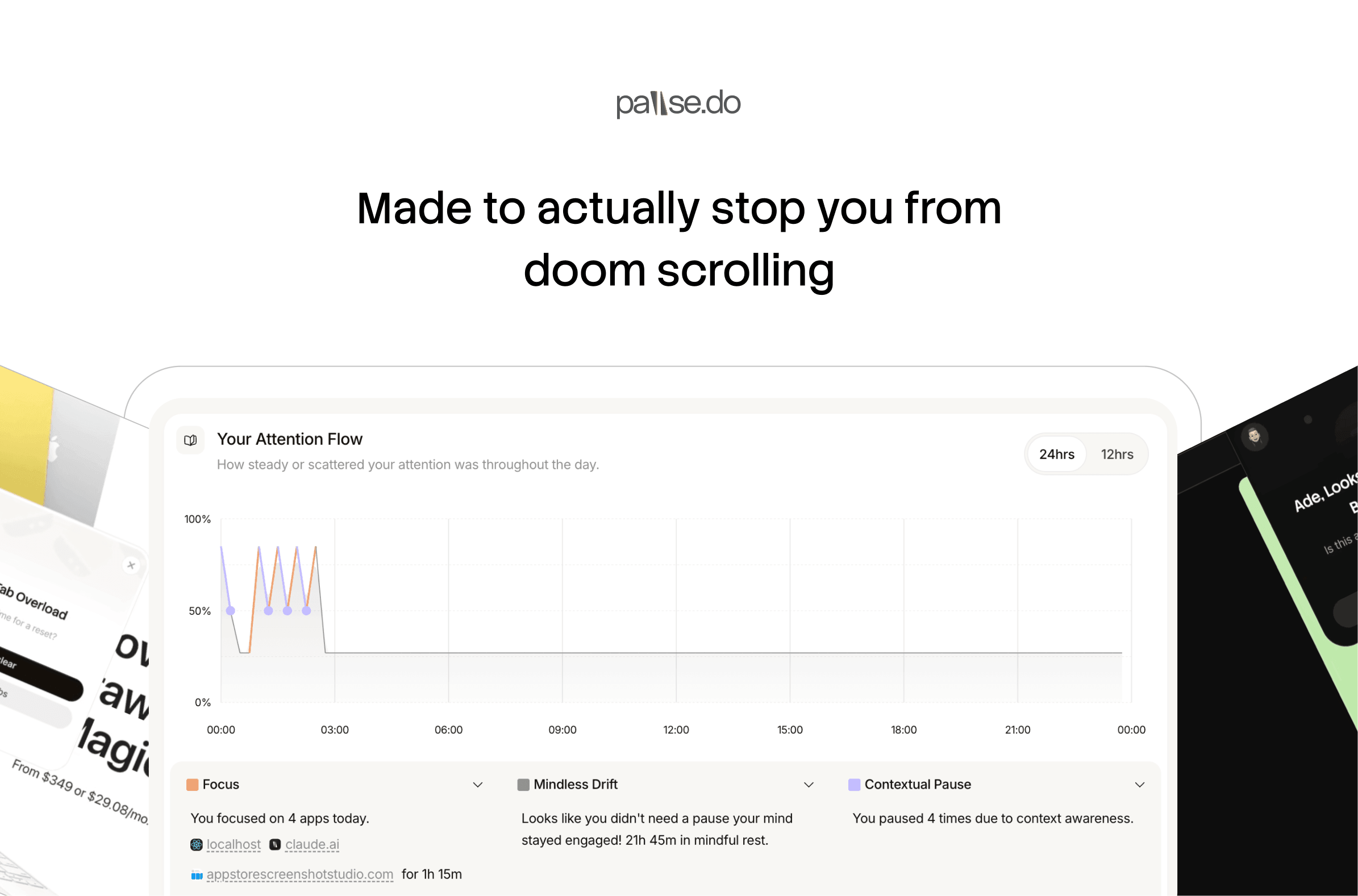
Browser extensions like pause.do work differently from blockers: instead of restricting access, they insert a brief pause when you've been scrolling intensely on a time-sink site. The overlay lasts 5 to 30 seconds. You can continue whenever you want. The pause is the point: it interrupts the automaticity and returns the decision to you.
The difference between restriction and friction
Restriction says: you can't do this.
Friction says: do you want to do this?
One creates deprivation and resistance. The other creates awareness and choice.
The goal isn't to never scroll. It's to scroll when you've chosen to, rather than because the loop pulled you in before you noticed. That's a meaningfully different relationship with your own attention.
The platforms aren't going to change. But the way you respond to them can.
pause.do is a free browser extension that inserts brief pauses during heavy scrolling sessions, creating the gap between impulse and action. No blocking, no restrictions, no account required. Install free