What's New in pause.do 0.2.5
Breathing sounds, smarter scroll sensitivity, a 3-day free trial, and a time-tracking fix. Here's everything that changed.

Version 0.2.5 is rolling out now Chrome delivers updates automatically, so most users will have it by Monday without doing anything. If you want it immediately, go to chrome://extensions, enable Developer mode, and hit Update.
Here's what's new.
Breathing sounds
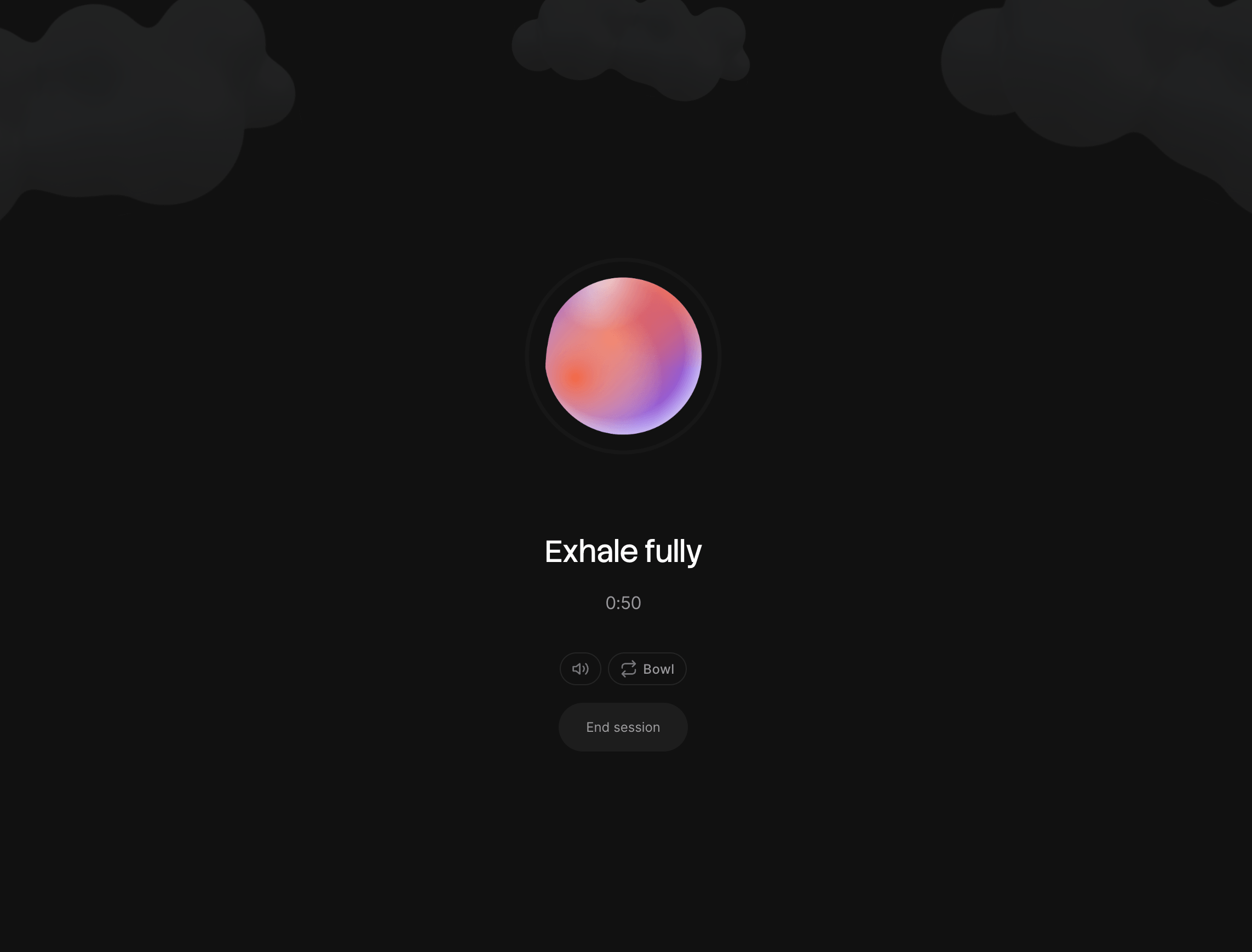
The breathing pause now plays ambient sound to help you actually settle into the exercise rather than just watch a timer count down.
Two tracks are available:
Bowl a singing bowl tone that resonates with each phase of the breathing cycle. Inhale, hold, exhale, hold-out each trigger a different harmonic frequency. Calm, grounding, and not at all new-age unless you want it to be.
Rain procedurally generated pink noise shaped to sound like steady rainfall. The texture shifts subtly with each breathing phase: slightly fuller on inhale, quieter on the holds.
You can mute sound entirely or switch tracks mid-session using the controls at the bottom of the breathing overlay. Your preference is saved and remembered for next time.
Scroll pause sensitivity
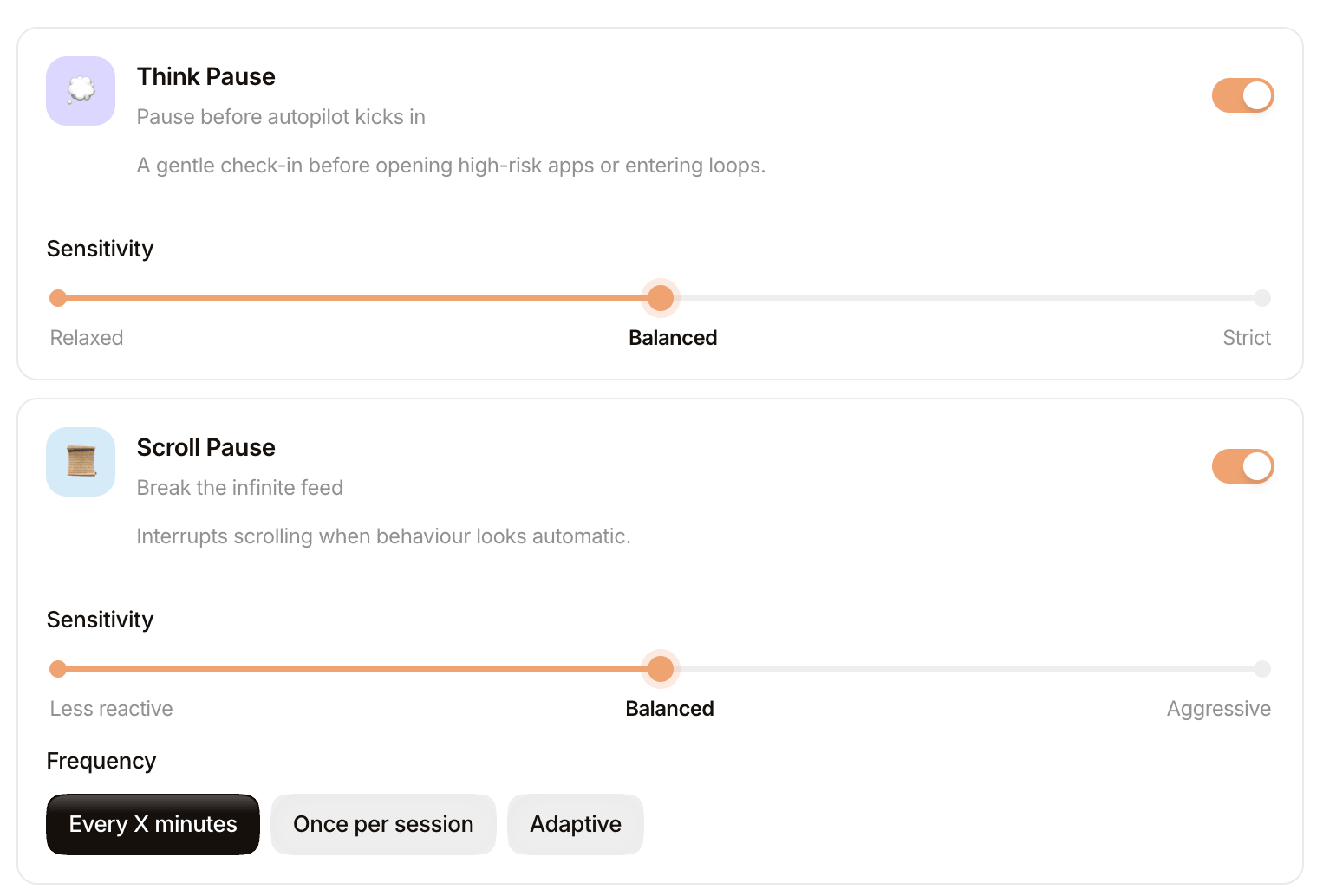
Scroll pauses were triggering too aggressively for some browsing styles particularly for people who scroll through long articles or slow-read pages. You can now set the sensitivity to match how you actually browse.
Three levels:
| Level | What it means |
|---|---|
| Low | Only fires on rapid, repeated scrolling classic doom-scroll behaviour |
| Medium | The previous default. Balanced for most browsing patterns |
| High | Fires earlier and more readily, for people who want more frequent nudges |
The setting lives in Settings → Scroll Pauses. Existing users default to Medium.
3-day free trial no card required
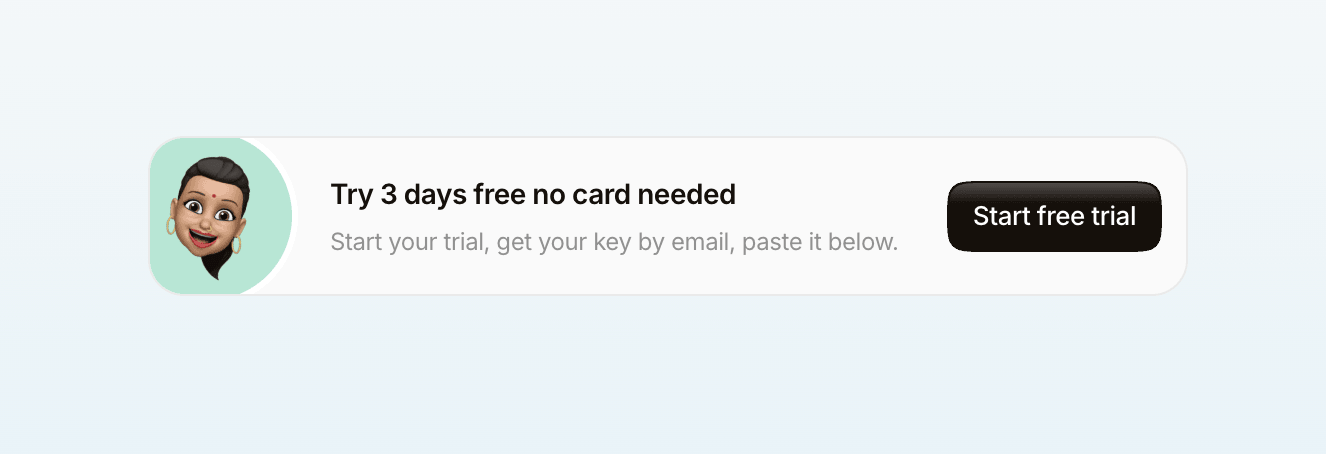
pause.do now has a proper free trial. Three full days, no credit card, just your email address. You get a license key delivered to your inbox after checkout, paste it into the extension, and you're set.
At the end of three days you'll see a prompt to unlock the full version at £6.99. If you decide it's not for you, nothing happens the trial ends and the extension goes quiet until you activate a key.
If you have friends who are curious about it, the trial link is pause.do/buy-trial. Sending someone a three-day free pass feels better than sending them a purchase link.
Time tracking accuracy fix
Some users were seeing attention map entries that showed 4–6 hours on a single site numbers that didn't match reality. This was a real bug, not an edge case, and we're sorry it caused confusion.
What was happening: the extension tracked a tab as "active" from the moment you first opened it, even after you'd moved to other tabs. If you had five tabs open across a morning, all five were accumulating time simultaneously behind the scenes. The attention map then showed the sum of all that phantom tracking, not the time you were actually looking at each tab.
The fix properly ends a tab's session the moment you switch away from it. Going forward, tracked time should match what you'd expect only the tab you're actually looking at, only while you're looking at it.
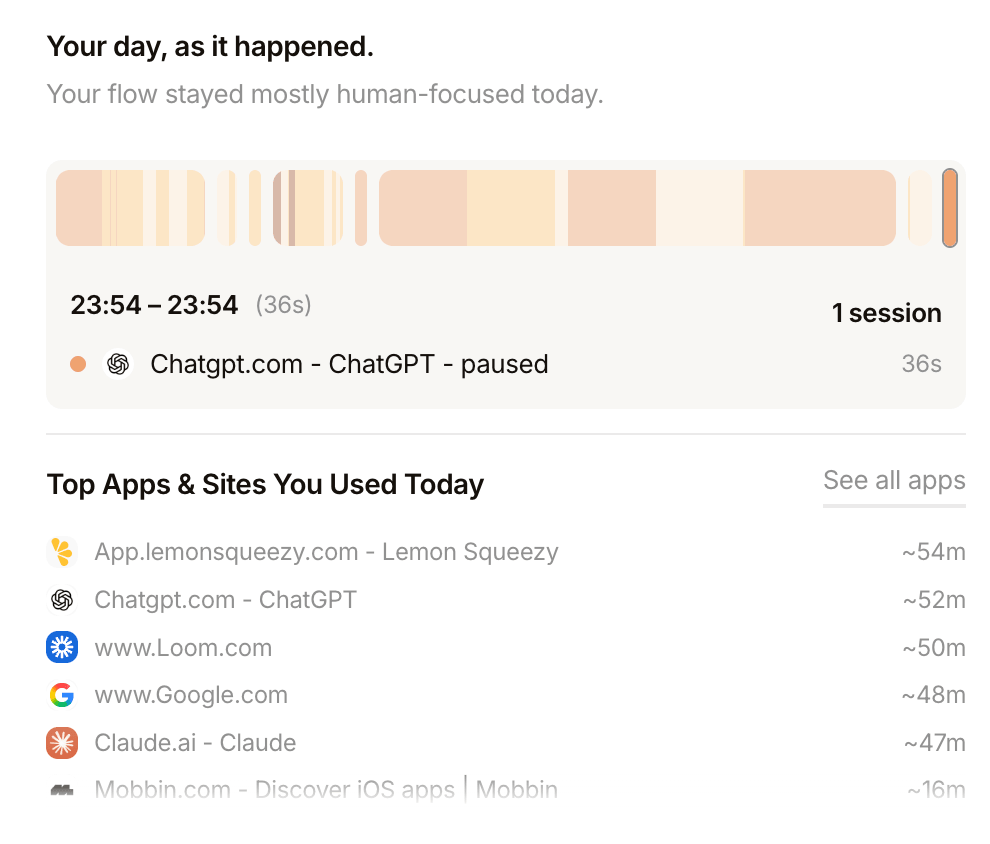
If your historical data has inflated entries from before this update, those records stay as they are (we don't rewrite history). New entries from 0.2.5 onward will be accurate.
Coming soon: Tab Freeze
Tab overload already steps in when you're holding too many tabs at once. Tab Freeze takes that further: once you're above the threshold, pause.do identifies which open tabs are consuming the most memory and freezes them suspending their background processes while keeping them visible and accessible.
The tab stays in your bar. You haven't closed anything. But it's no longer eating memory or running scripts in the background. Click it and it wakes back up instantly. It's a way to keep your tab count manageable without losing access to the tabs you want to keep open.
The changelog is always at pause.do/blog. If something feels off or you have feedback, reply directly to any email from us it reaches a real person.